Originally published at https://lockitvault.hashnode.dev/designing-a-vault-whose-front-door-is-a-working-calculator
Phones get passed around all day: to show a photo, share directions, or let someone make a quick call. That's normal. But most of us also keep a few things on our phones that are nobody else's business, and a home-screen icon labeled "Vault" invites exactly the question you'd rather not answer.
That was the starting point for Lock It: Calculator Vault, our Android app. Here are the design choices behind it and what we learned along the way.
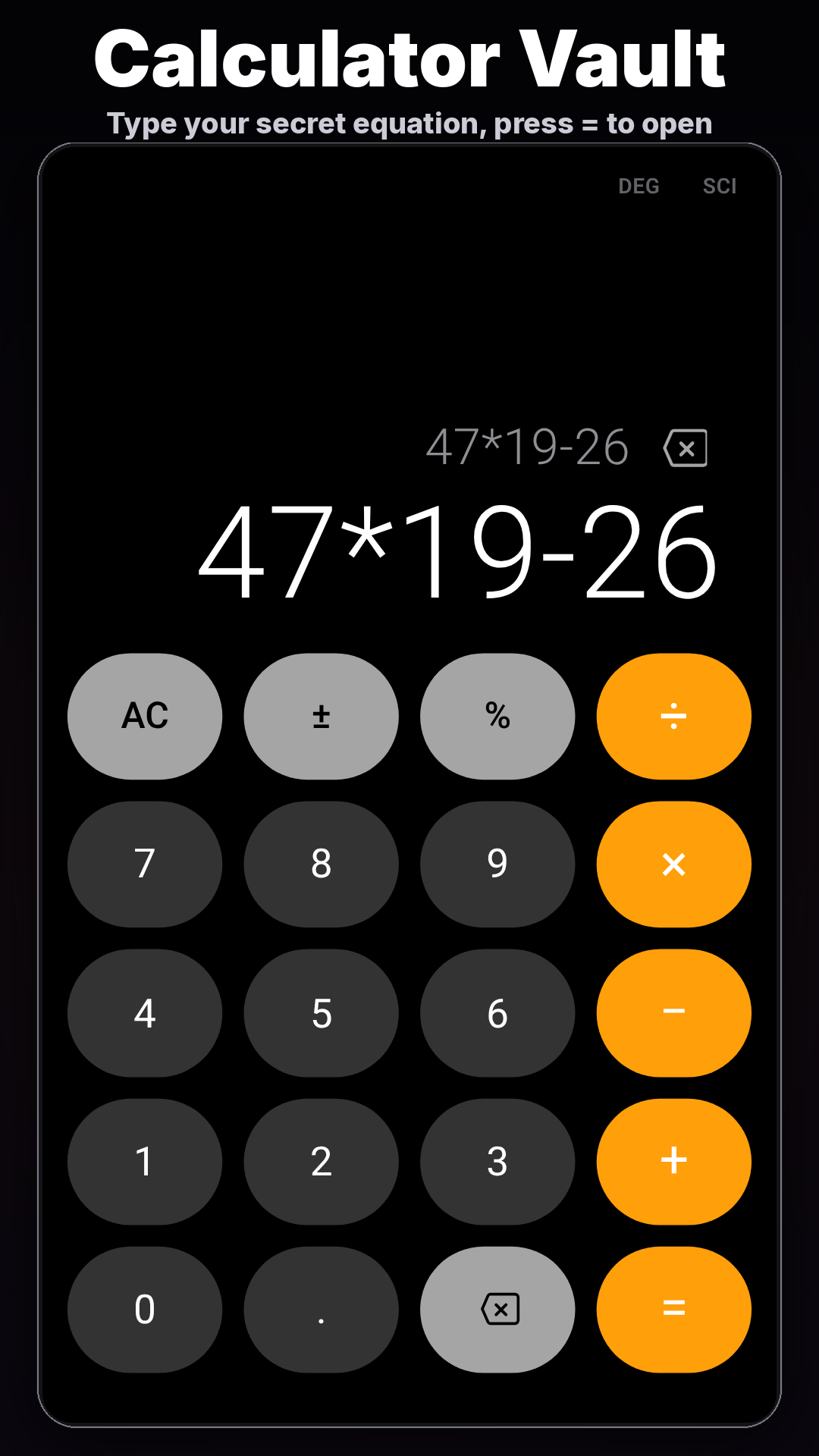
The front door has to be a real calculator
The first rule was that the calculator can't be a prop. It does real math and behaves like any other calculator app. Someone borrowing the phone can use it and never see anything unusual.
The vault opens only when you type the equation you picked during setup and press =. There's no separate "unlock" button and no hint on screen.
What lives inside
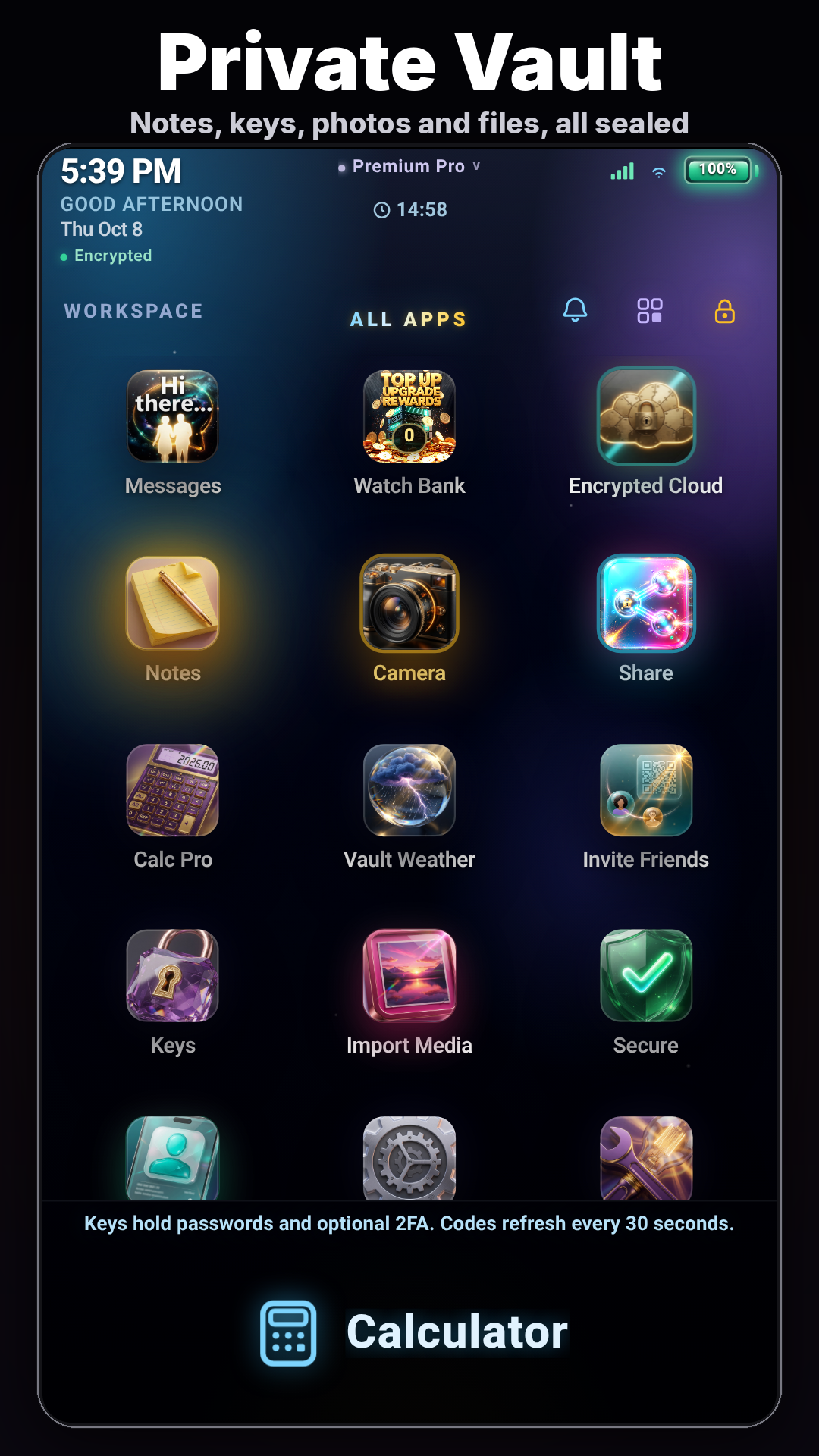
Once you're in, the vault holds the things people actually worry about:
- Photos and notes
- Passwords and 2FA keys, so backup codes don't sit in your camera roll
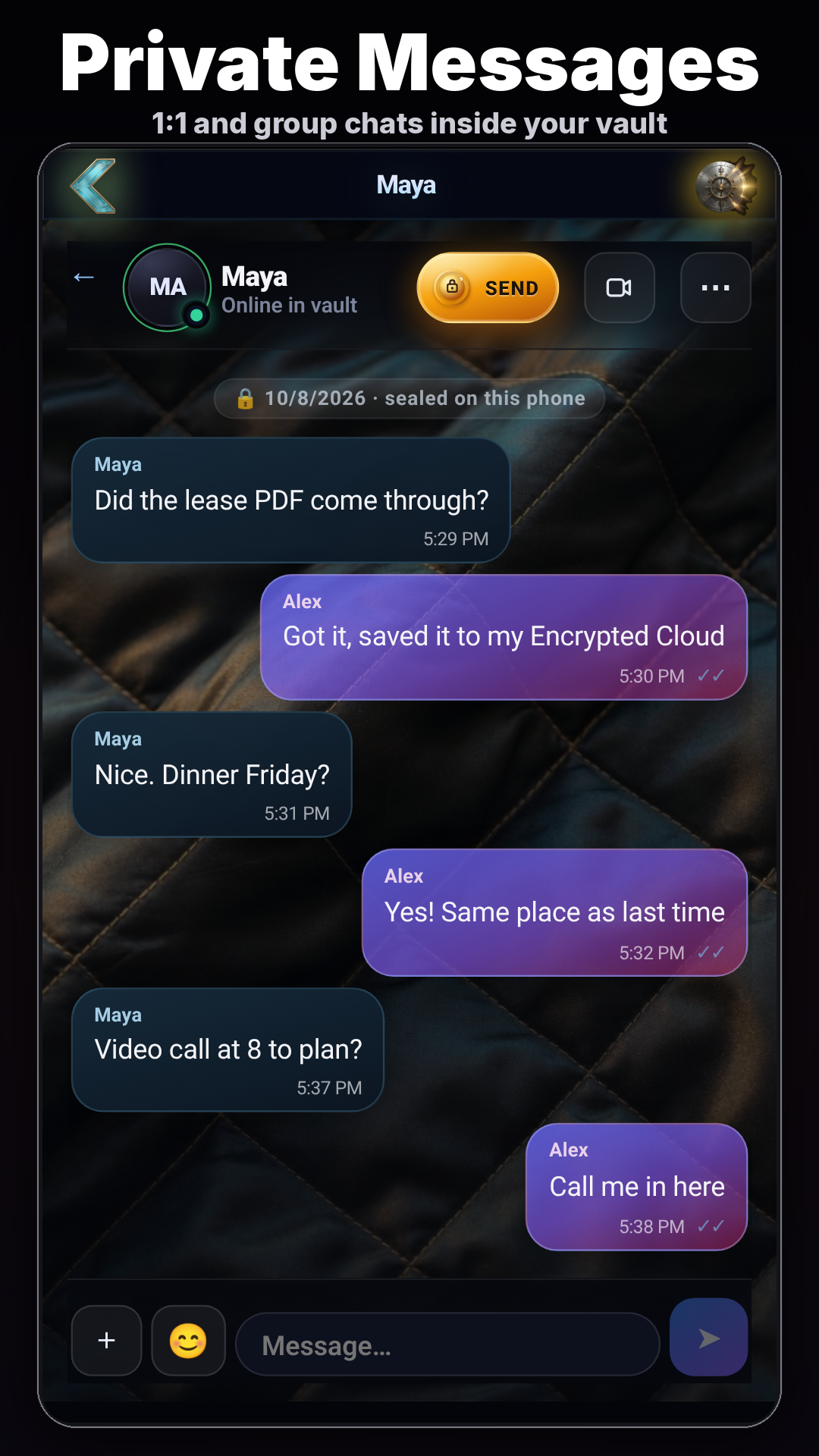
- Private messages and live calls with only the people you invite
Security people can see
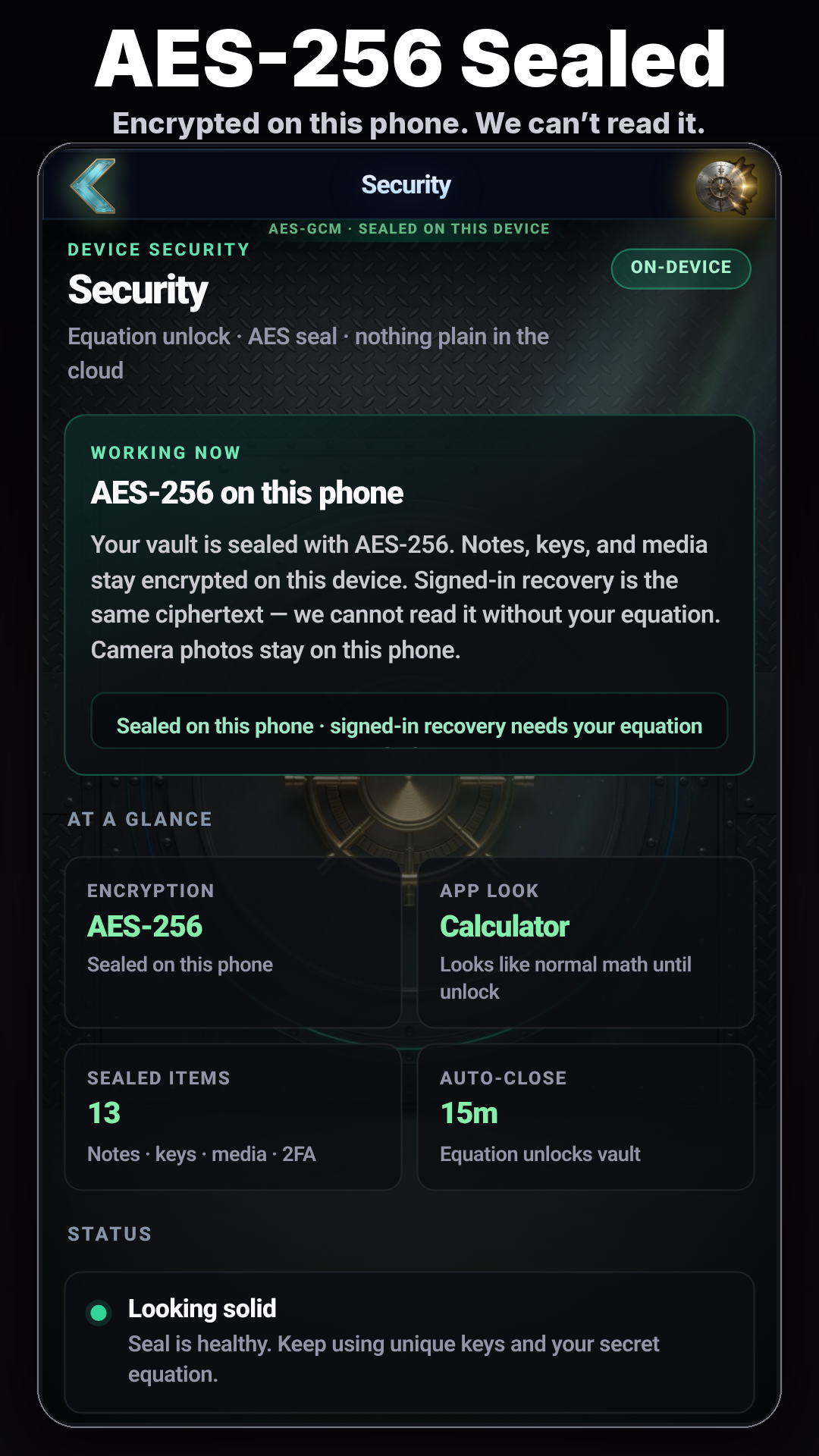
We wanted the security story to be visible, not buried in a FAQ. The app's security screen explains the AES-256 encryption used for vault contents.
UX lessons
- Make the private path feel ordinary. The less the app draws attention to itself, the better it works.
- Make setup and recovery obvious. A vault you can lock yourself out of is a support nightmare, so pick an unlock equation you will remember.
- Keep the free tier genuinely useful. Lock It is free with ads. Premium Pro is $4.99/month, and Offline Vault is a $9.99 one-time purchase for people who want it.
Try it
Search "Lock It: Calculator Vault" on Google Play, or use this link: Lock It: Calculator Vault on Google Play
Disclosure: I'm on the team behind Lock It: Calculator Vault. This post was written with AI assistance and reviewed before publishing.